Arzopa Portable Monitors | Top Features at Unbeatable Prices


Arzopa Portable Monitor, Expand Your World
Double Your Screen, Double Your Output
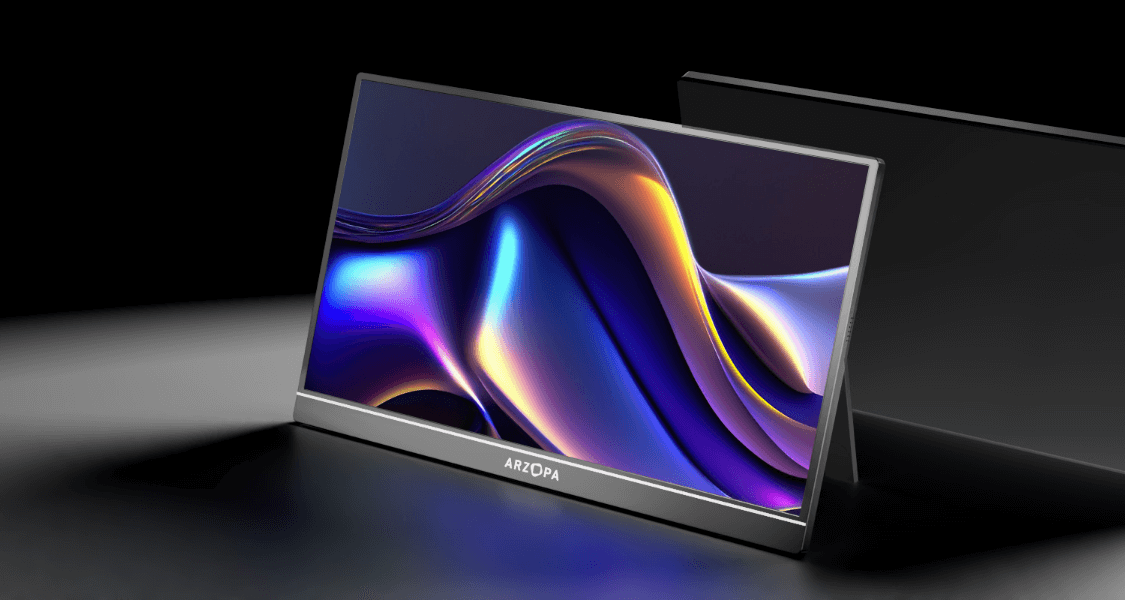
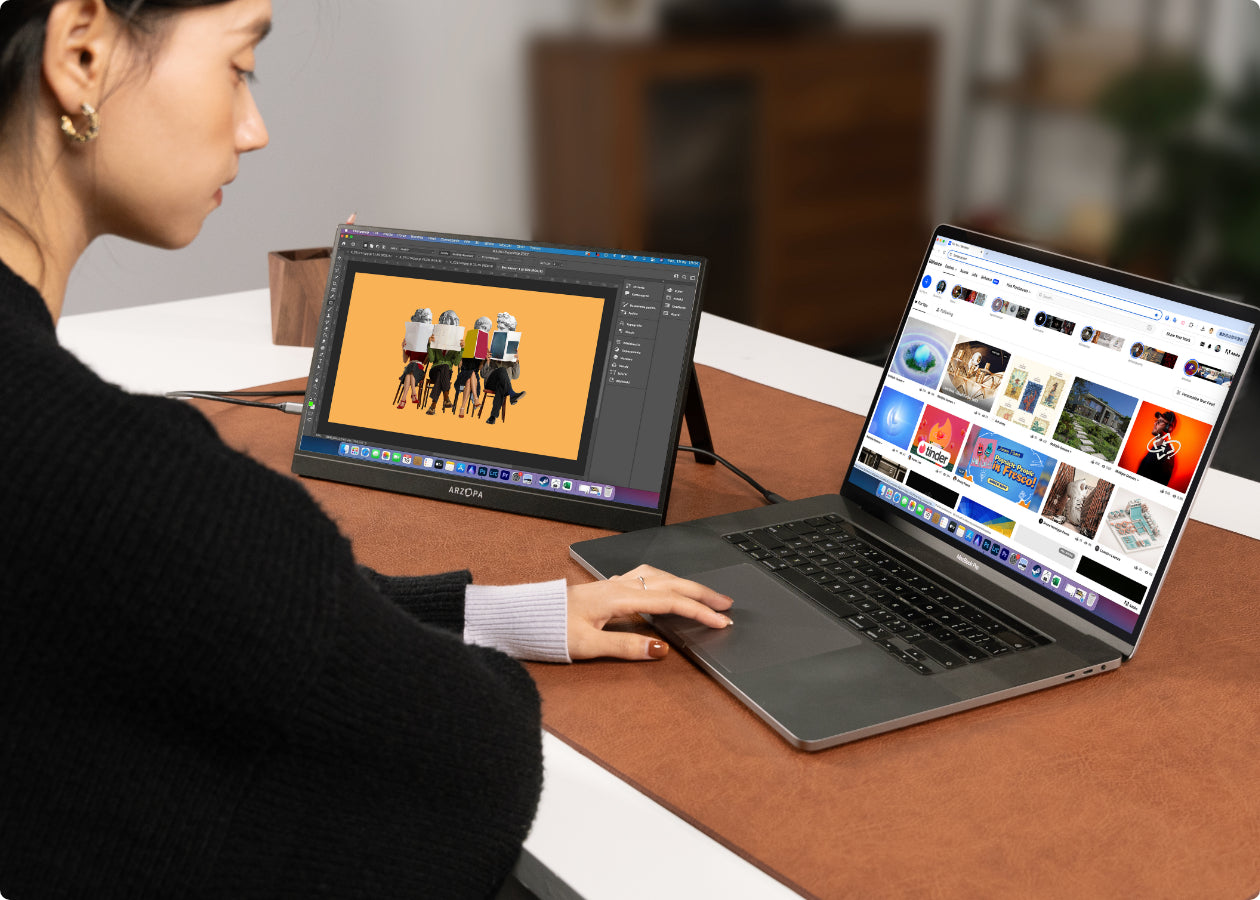
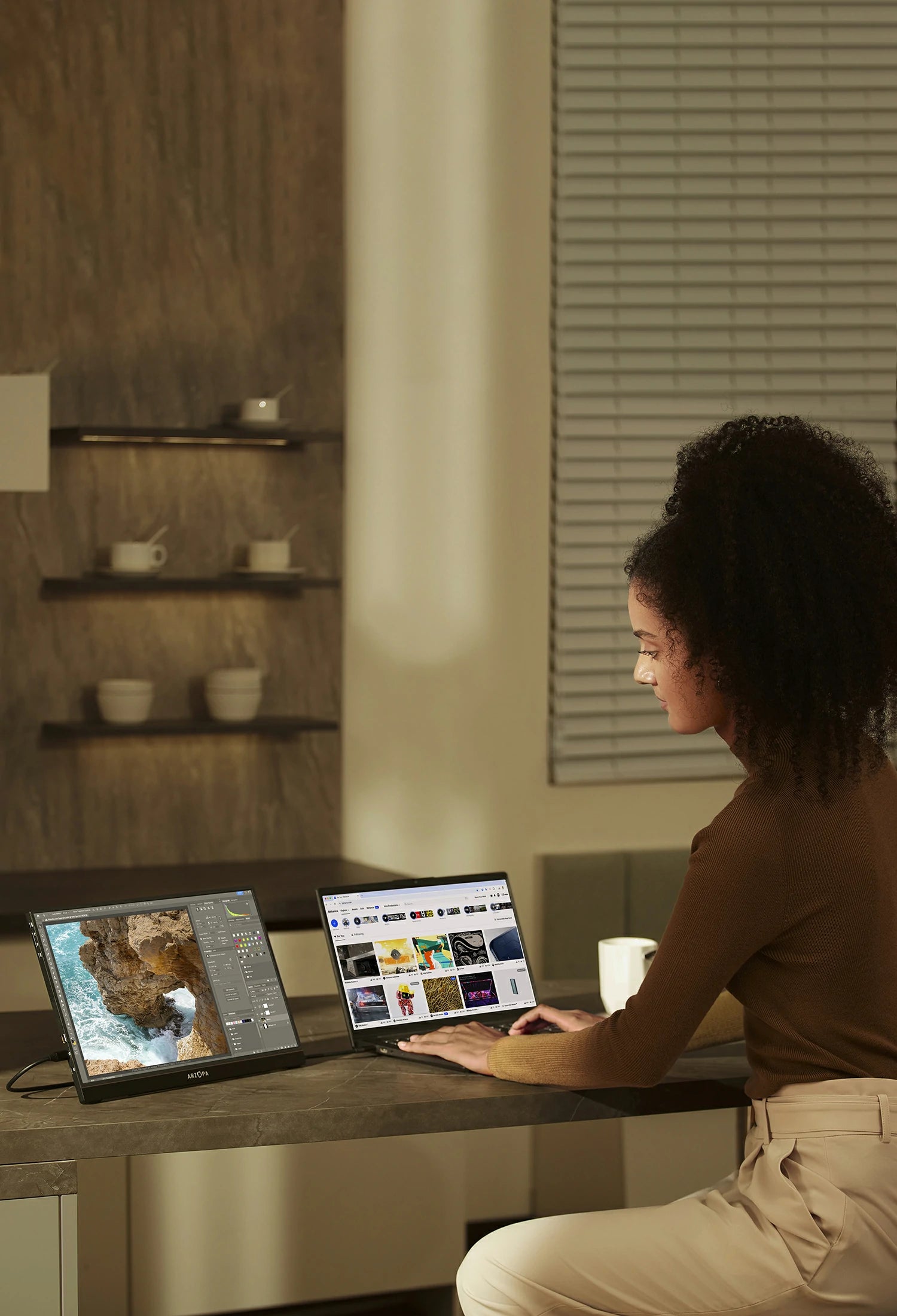
Don't let a single screen confine your workflow. This portable display instantly expands your laptop's horizons, providing a dedicated canvas for reference materials, communication threads, or extended timelines—all visible at once. The compact, lightweight design allows you to slip it into your laptop bag effortlessly, making travel completely burden-free. With a plug-and-play setup, you can get to work in seconds rather than minutes, eliminating tedious preparation. Ditch the adapters and power bricks, and reclaim a minimalist, focused setup in seconds, anywhere. For creators who demand true color and sharp detail, the Arzopa Z1FC is your match. The monitor features a spacious 16-inch 2.5K display in a 16:10 ratio, offering more room for side-by-side windows and lengthy documents. With 100% sRGB color coverage and 350 nits of brightness, it ensures clarity and comfort for extended work sessions, making it the reliable, high-performance external display that streamlines your entire workday.
ARZOPA Z1FC Gray
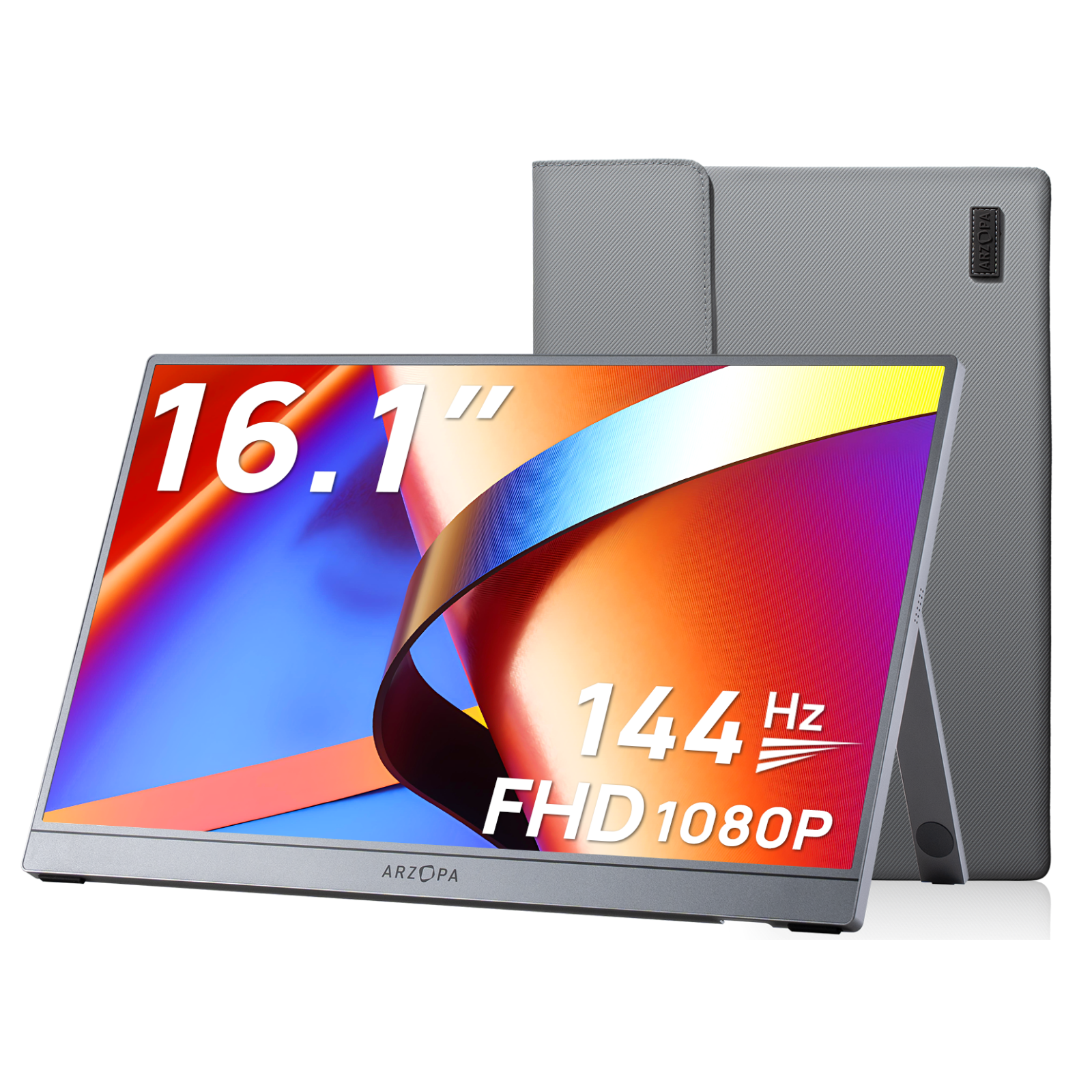
16.1" 144Hz IPS Portable PC Monitor
Portable Size, Pro-Grade Fight
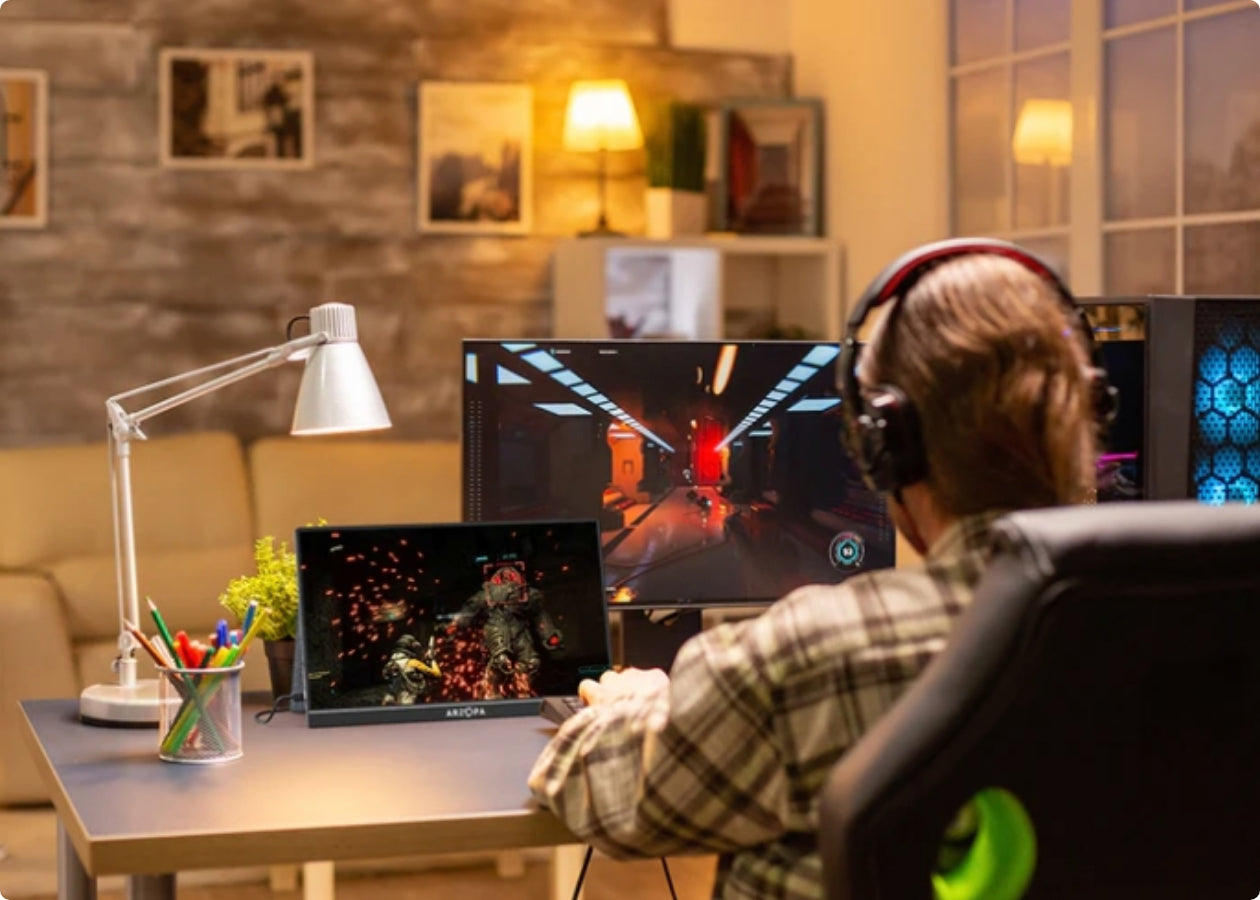
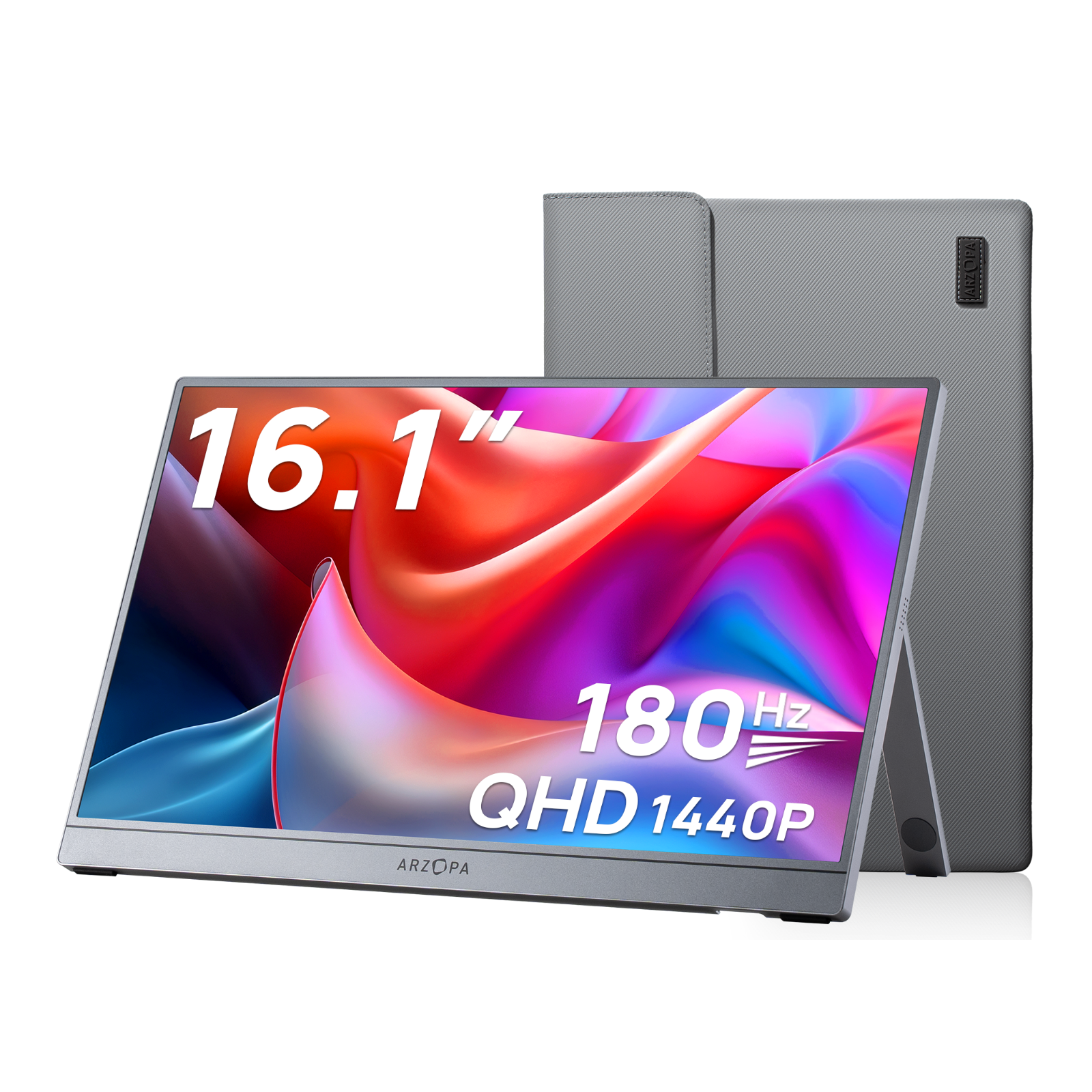
Why should portable gaming screen mean compromising on performance? We reject that notion. The mission of Arzopa Portable Gaming Monitors is to deliver immersion and smoothness on par with professional eSports displays—wherever you are. Whether connected to your gaming laptop, Steam Deck, Switch, Xbox, or PS5, a single Type-C cable unlocks the full battlefield experience meant for a large screen. Z3FC, ARZOPA 16.1'' 180Hz QHD best portable gaming monitor, boasts a stunning 400 nits, delivering crisp, vibrant details even in well-lit environments. For competitive players, high refresh rate combined with FreeSync eliminates screen tearing and stuttering, ensuring buttery-smooth gameplay during the most intense action. With its integrated portable monitor stand, the Z3FC perfectly balances hardcore performance with go-anywhere portability—the definitive choice for elite mobile gaming.
Arzopa Z3FC Gray
Best Portable Monitor for Gaming with 180Hz FreeSync

Expand Your View, Simplify Your Setup
A single USB-C cable handles video, audio, and power all at once—no extra adapters needed. Go from packed away to fully set up in seconds.
Beyond the Secondary Screen: The New Era of Arzopa Portable Monitor Performance
Portable monitors have evolved far beyond being just a simple second screen for checking spreadsheets. Driven by the surge in mobile productivity and handheld gaming, the demand for a secondary screen has shifted from "functional" to "immersive." Today’s portable display screen is shattering performance ceilings: resolutions have leaped to stunning 2.5K, and for those who demand the absolute best, 4K portable monitor and OLED screen are redefining mobile visual standards. Furthermore, refresh rates have undergone a massive transition from a basic 60Hz to a professional esports-grade 180Hz.
Arzopa Portable Monitors stand at the forefront of this technological revolution. We are committed to condensing desktop-class visual performance into a chassis only millimeters thick. To suit every lifestyle, ARZOPA has built a comprehensive lineup ranging from 14" to 17.3". This includes a tailor-made portable monitor for laptop and what many consider the best portable gaming monitors Z3FC on the market. Whether you are a digital nomad needing a lightweight setup for a cafe session or a hardcore gamer craving a massive field of view while traveling, you’ll find your perfect choice in our collection.
We refuse to compromise between power and portability. While packing in brightness, resolution, and response times, ARZOPA utilizes ultra-slim components and minimalist industrial design to keep weight and thickness to a minimum. With just a single USB-C cable, Arzopa perfect travel monitors allow you to pack an entire studio or gaming rig into your backpack. It’s more than just a portable display screen; it’s your personal productivity hub and entertainment powerhouse, wherever you go.
Arzopa Portable Monitor Reviews: Real User Experiences


Frequently Asked Questions:Master Your Monitor
For older laptop models typically equipped only with HDMI interfaces, Arzopa portable monitor comes with more comprehensive connectivity options. These second screens include a mini HDMI port for adaptation and are packaged with essential accessories. Arzopa box contains a mini HDMI to HDMI cable, along with a USB A to USB-C cable that serves as a power source. This ensures compatibility with older devices and provides a straightforward connection solution.
2. If your PC uses traditional ports (HDMI/USB-A): No worries, it’s just as easy. Every ARZOPA monitor comes with the necessary cables included in the box:
Mini HDMI to HDMI Cable: Connects directly to your graphics card for the video signal.
USB-C to USB-A Cable: Simply plug this into any USB port on your PC to provide power.
No matter your PC's generation, you're only a couple of steps away from lighting up your second screen and expanding your workspace or gaming rig.
For most USB-C equipped smartphones, a simple direct connection is all it takes to extend your display and gain a more flexible viewing experience. We have specifically optimized our monitors for industry-leading mobile desktop modes:
Samsung Users: Enjoy full support for Samsung DeX, transforming your phone into a high-efficiency, desktop-like workstation.
iPhone 15 & Newer (USB-C models): Experience seamless Screen Mirroring with a direct cable connection for precision viewing on a larger scale.
Motorola Users: Activate Ready For mode to turn your smartphone into a versatile mobile powerhouse for work or entertainment.
For other smartphone brands and models, we recommend checking your device manufacturer’s official specifications to confirm external display support (DisplayPort Alt Mode).
1. Secure Your Connections First, double-check all cable connections. Ensure every plug is firmly seated and not loose. In many cases, display instability or a "no signal" message is simply the result of a poor interface connection.
2. Maximize Brightness Settings Brightness levels can significantly affect your visual experience. Try adjusting your monitor’s brightness to its maximum setting to rule out potential dimming issues caused by power-saving modes or accidental adjustments.
3. Reach Out for Professional Support If the problem persists, rest assured that you are in good hands. ARZOPA is a globally trusted brand with over 5 million products delivered worldwide, and we are deeply committed to your satisfaction.
For any persistent technical challenges or usage difficulties, we encourage you to contact our dedicated support team through the official website's Customer Support channels. Whether it’s a hardware question or a setup glitch, we are here to ensure your experience remains seamless.
Comparison of Arzopa Portable Monitor Series




Lifetime Customer
Our dedicated team is available 24/7 to assist with any questions or concerns.