


ARZOPA D10
Regular price
Sale price
$98.99
Regular price
$139.99



Whether your family lives miles apart, shares photos from different phones, keeps years of memories, or simply wants to avoid another subscription, ARZOPA makes everyday photo sharing easier.

Stay connected across cities, states, or countries. Send new photos and videos from your phone so loved ones can keep up with everyday moments, wherever they are.

Let children, siblings, and relatives all contribute to one frame, making it easier for the whole family to keep favorite moments in one place.

Keep adding photos as your family collection grows. Unlimited cloud storage means more room for everyday snapshots, celebrations, and memories from years past.

Enjoy WiFi photo sharing without adding another required monthly or annual subscription, making the frame easier to keep and enjoy long term.
A good WiFi digital photo frame should make sharing simple, give your family room to keep adding memories, and stay useful without ongoing fees. Here’s what to compare before you choose.

A WiFi digital photo frame should let you send new photos straight from your phone, without relying on USB drives or SD cards for every update.
· Remote sharing through a mobile app
· Support for multiple family contributors
· Wi-Fi delivery without manually transferring files
Frames that depend entirely on USB drives or SD cards when regular remote sharing is the priority.
With the free ARZOPA App, family members can send photos remotely to the ARZOPA digital photo frame, so new family memories keep arriving without manual transfers.

The best family photo frame shouldn’t depend on one person to keep it updated. Look for a frame that makes it easy for multiple family members to contribute.
· Frames are limited to a single uploader
· Complicated account switching between family members
ARZOPA supports multi-user sharing, so children, siblings, and relatives can all help keep one frame filled with new family moments.

Family photo collections grow quickly. Cloud storage makes it easier to keep sharing without constantly deleting older memories to make room for new ones.
· Cloud photo storage included with the frame
· Built-in local storage for everyday playback
· Enough room for long-term family sharing
· Very limited free cloud storage
· Storage limits that push you into a paid plan too quickly
ARZOPA combines 32GB of built-in storage with unlimited cloud storage, giving families more flexibility as their photo collection grows.

Some digital photo frames put extra storage or useful sharing features behind monthly or annual plans. Check what is included before comparing prices.
· Free photo sharing through a mobile app
· No subscription required for essential features
· Storage options for growing family memories
Frames that require ongoing payments for the photo-sharing features your family plans to use regularly.
Every ARZOPA WiFi digital photo frame is designed to deliver its core sharing experience without a required monthly or annual subscription. Choose the screen size and resolution that fit your space, without worrying that one model will require an ongoing plan.

A compact frame works well on a desk or nightstand, while a larger display makes family photos easier to enjoy across a living room or shared space.
· Choosing a small screen for a large room
· Prioritizing size without checking resolution
The 15.6-inch ARZOPA D15 pairs a larger Full HD display with WiFi sharing, making it a strong choice for living rooms and bigger viewing spaces.
Looking for a simple digital photo frame for parents or grandparents?

Screen Size

Resolution

Storage

Wireless Sharing

App Support
From compact everyday displays to larger frames for shared spaces, compare ARZOPA WiFi digital photo frames by screen size, resolution, and the way you plan to enjoy your photos.

When family lives in another city or across the country, small everyday moments can be easy to miss. Send new photos and videos straight from your phone so loved ones can feel part of what’s happening, wherever they are.

First steps, birthdays, school days, and ordinary afternoons all add up quickly. Keep parents and grandparents updated with new photos as the kids grow, even when they can’t be there in person.

One person captures a family dinner, another shares a weekend trip, and someone else sends a funny pet photo. With multiple family members contributing, one frame becomes a shared window into everyday life.

Wedding photos, childhood snapshots, vacations, and family celebrations don’t have to stay buried in phones or old albums. Keep adding memories over time and bring favorite moments back into everyday view.

Place a larger digital frame in the living room, bedroom, or shared family space, where favorite faces and moments can be enjoyed throughout the day instead of staying hidden on a small screen.

Give the frame once, then keep it updated with new photos from birthdays, trips, and everyday life. It becomes a gift that continues to bring new moments into the home over time.
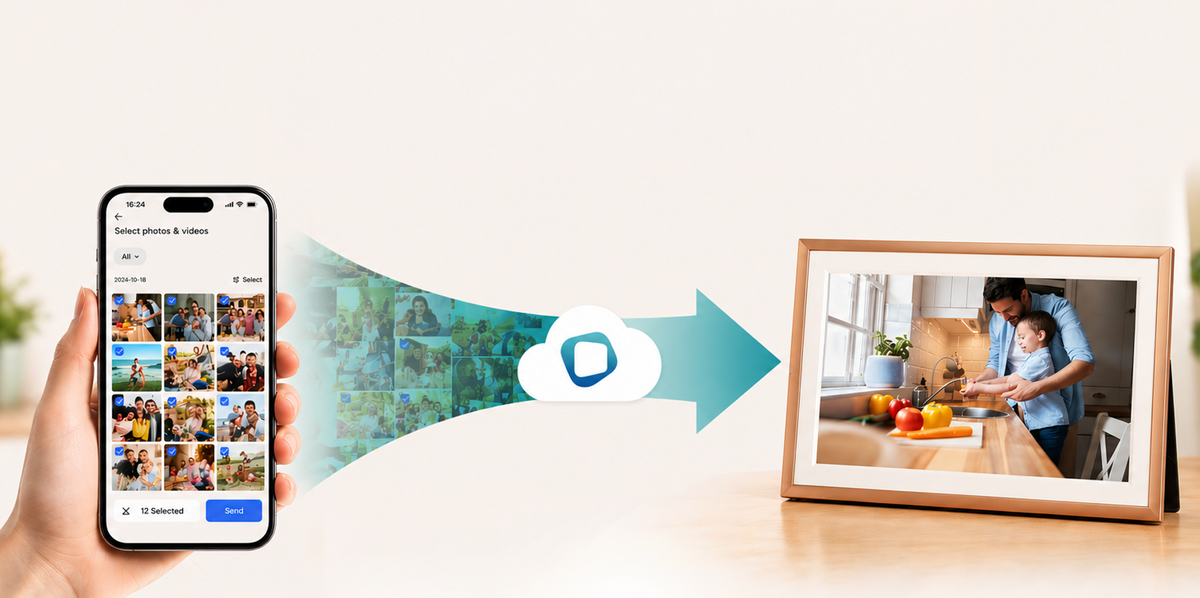
Get the free ARZOPA App from the App Store or Google Play.
Connect your digital photo frame to Wi-Fi and follow the in-app steps to pair your device.
Select photos on your phone and send them to the frame remotely for family and friends to enjoy.
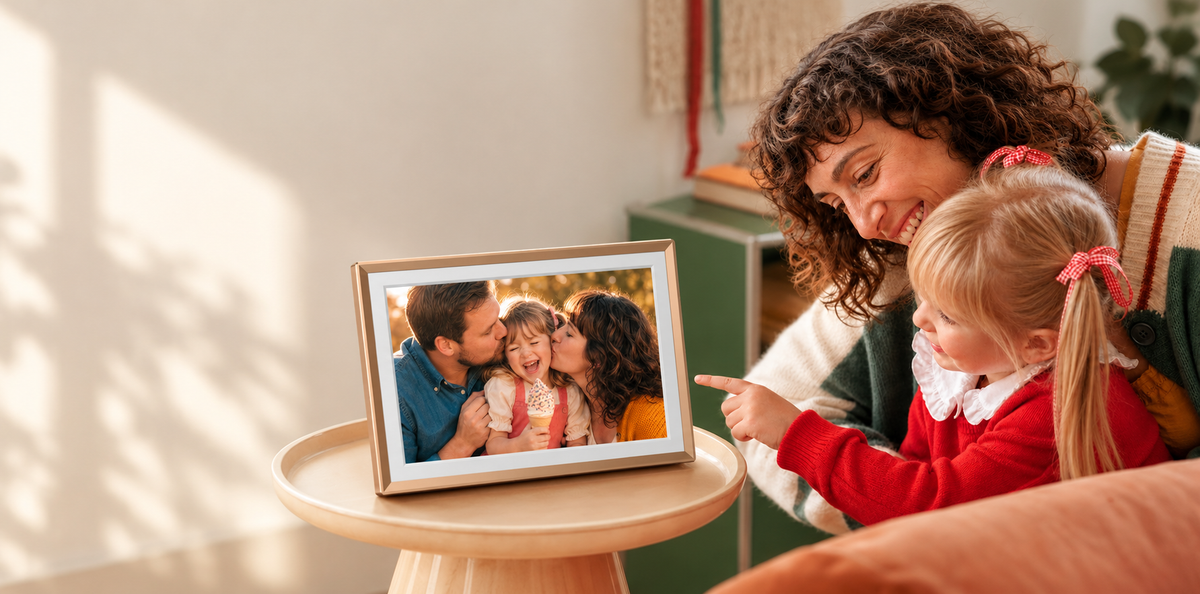
WiFi is mainly needed to send new photos and videos remotely. Photos already stored on the frame can continue to display without an active internet connection. ARZOPA WiFi digital photo frames combine wireless sharing with built-in local storage.
Yes. With a WiFi digital photo frame and a compatible mobile app, you can send photos remotely as long as the frame is connected to the internet. With the ARZOPA App, family members can share new photos and videos even when they live in different cities or countries.
Yes. WiFi digital photo frames with multi-user sharing can let several family members contribute photos to the same frame. ARZOPA supports family sharing, so children, siblings, and relatives can help keep one frame updated with new memories.
ARZOPA WiFi digital photo frames do not require a monthly or annual subscription for their core photo-sharing experience.
A digital photo frame with an app connects to WiFi and lets you select photos or videos on your phone and send them directly to the frame. This removes the need to manually update the frame with a USB drive or SD card every time you want to add new memories.
ARZOPA WiFi digital photo frames include 32GB of built-in storage and also provides unlimited cloud storage for compatible sharing.
Choose based on where the frame will be used. A 10.1-inch frame works well on desks, bedside tables, and smaller spaces, while 14-inch and 15.6-inch frames are easier to enjoy in living rooms and shared family spaces. ARZOPA offers sizes from the compact D10 to the larger D15.
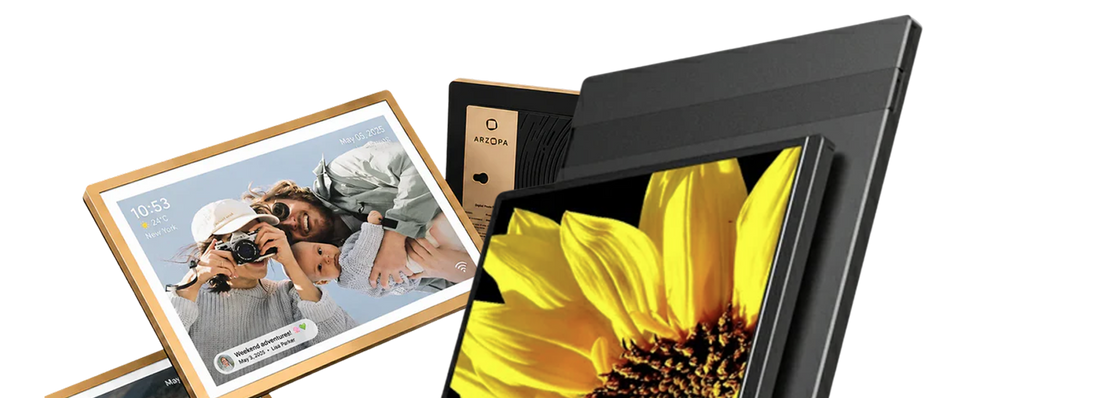
Compare specifications across our entire lineup. Analyze the performance metrics that matter most to you.
A 10.1-inch frame with retro design and unlimited cloud storage — perfect for bedrooms, desks, and shelves.
A 14-inch gifting frame with FHD touchscreen and unlimited cloud storage — ideal for parents, grandparents, and family spaces.
A 14-inch premium frame with 2K 3:2 display, wall-mountable, and unlimited cloud storage — built for photography and premium home décor.
Personal spaces & small desks
Best gift for parents & grandparents
Best for photography & premium home décor
10.1"
14.0"
14.0"
1280*800
1280*800
1280*800
LCD
LCD
LCD
180Hz
60Hz
60Hz
107% sRGB
100% sRGB
123% sRGB
Yes
Yes
Yes
1.72 lbs
1.72 lbs
1.79 lbs

Your cart is currently empty.
Not sure where to start? Try these collections:


