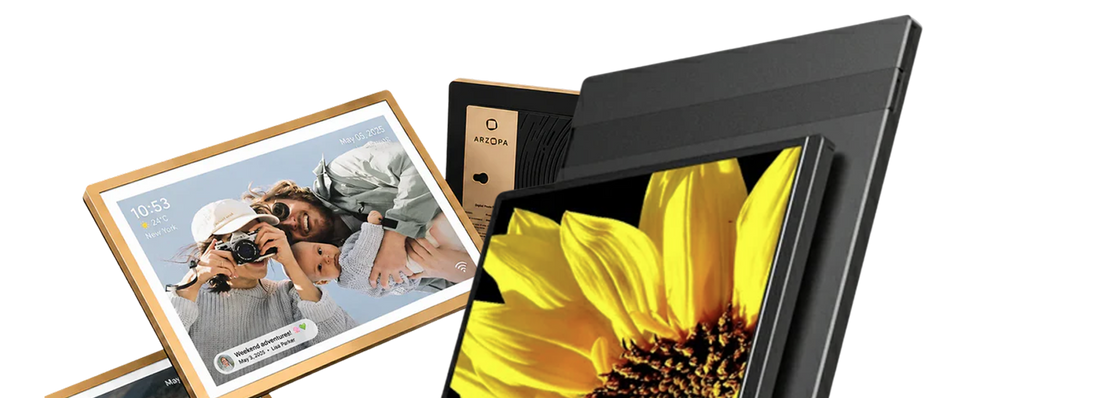
Portable monitors increasingly feature touchscreen capabilities and stylus support, making them versatile tools for productivity and creativity. The availability of these features varies significantly among different models, with some specifically designed to enhance user interaction through touch and pen inputs.
Touchscreen Functionality in Portable Monitors
Many portable monitors now come equipped with touchscreen technology, allowing users to interact directly with the display. This feature is particularly useful for tasks that benefit from direct manipulation, such as drawing, note-taking, or navigating applications. Here are some notable examples:
-
ASUS ZenScreen Ink MB14AHD: This 14-inch portable monitor offers a Full HD (1920 x 1080) IPS display with 10-point touch functionality. It supports an active stylus (MPP 2.0) that provides 4096 levels of pressure sensitivity, enabling precise writing and drawing experiences. The monitor also features a built-in kickstand, allowing for flexible viewing angles and orientations.

-
SideTrak Swivel Pro: This 13.3-inch attachable monitor is designed for use with laptops and includes a touchscreen interface along with stylus support compatible with Microsoft Pen Protocol (MPP). It features a unique 360° swivel hinge, enhancing its usability in various settings.

-
Magedok PI-X9: A 16-inch 4K OLED touchscreen monitor that comes with a stylus pen. It supports both PC and Mac systems, although the functionality may vary between operating systems. On PC, it provides full touch controls, while on Mac, it is limited to basic touch interactions.

Stylus Support in Portable Monitors
Stylus support is another critical feature that enhances the functionality of portable monitors. Many models include styluses that allow for more detailed input compared to finger touches. Key points regarding stylus support include:
-
Precision: Styluses often provide higher precision than fingers, making them ideal for tasks like graphic design or detailed note-taking. For instance, the ASUS ZenScreen Ink's stylus offers low latency and high sensitivity, making it suitable for creative professionals.
-
Pressure Sensitivity: Many modern styluses support varying levels of pressure sensitivity, which allows users to create different line thicknesses and styles based on how hard they press down. The Magedok monitor supports over a thousand levels of pressure sensitivity, which is beneficial for artists looking to create nuanced artwork.
-
Compatibility: While many portable monitors are compatible with Windows operating systems, compatibility can vary significantly with macOS or Linux systems. Users should verify whether the specific monitor they are considering works well with their operating system of choice.

Advantages of Touchscreen and Stylus Features
The integration of touchscreen and stylus capabilities in portable monitors offers several advantages:
-
Enhanced Productivity: Users can navigate applications more intuitively and efficiently using touch gestures. This is particularly beneficial in collaborative environments where quick interactions are essential.
-
Creative Flexibility: For artists and designers, the ability to draw directly on the screen with a stylus opens up new avenues for creativity. The tactile feedback provided by a stylus can mimic traditional drawing tools, making digital art more accessible.
-
Portability: These monitors are designed to be lightweight and easy to transport, making them ideal for professionals who work on the go or students who need to take their work between classes.
Considerations When Choosing a Portable Monitor
When selecting a portable monitor with touchscreen and stylus capabilities, consider the following factors:
-
Screen Size and Resolution: Larger screens offer more workspace but may be less portable. Higher resolutions provide better clarity but can increase costs.
-
Connectivity Options: Ensure that the monitor has compatible ports (like USB-C or HDMI) for your devices.

-
Operating System Compatibility: Check if the monitor's features work seamlessly with your operating system, especially if you plan to use advanced functions like multitouch or stylus input.
-
Build Quality and Design: A sturdy design will enhance durability during travel.
2026 Top Seller: Arzopa Z1FC Portable Monitor
While Arzopa Z1FC portable monitor not support touchscreen, it's compatible with phone, laptop, PC, and game consoles (like PS5 and Nintendo Switch), and more devices. With this portable screen, you can work, game, edit videos or photos, or watch movies anywhere!
Conclusion
In conclusion, portable monitors equipped with touchscreen and stylus support represent a significant advancement in mobile computing technology. They cater to a wide range of users - from business professionals needing efficient multitasking solutions to artists seeking portable canvases - making them valuable assets in today's digital landscape. As technology continues to evolve, we can expect even more innovative features in future models that will further enhance usability and functionality in various applications.
FAQs
Q1: Do all portable monitors have touchscreen support?
No. Only specific portable monitor models include touchscreen functionality. Most standard portable monitors support display output only and do not respond to touch input.
Q2: How does touchscreen input work on portable monitors?
Touchscreen portable monitors typically use USB connections to transmit touch input data. The USB cable sends touch signals back to the connected device, allowing touch gestures to function like a built-in touchscreen.
Q3: Do portable monitors support stylus or pen input?
Some touchscreen portable monitors support stylus input, usually capacitive styluses. However, advanced pressure-sensitive pens are only supported on select models designed for creative work.
Q4: What devices are compatible with touchscreen portable monitors?
Touchscreen portable monitors generally work with Windows laptops, tablets, and some Android devices. macOS has limited native touchscreen support, and iPads cannot use external touch monitors as direct input devices.

![How Much Brightness & Contrast Is Good for Eyes? [2026] - Arzopa](http://www.arzopa.com/cdn/shop/articles/how-much-brightness-contrast-is-good-for-eyes-2026-3024228.jpg?v=1788850861&width=1200)